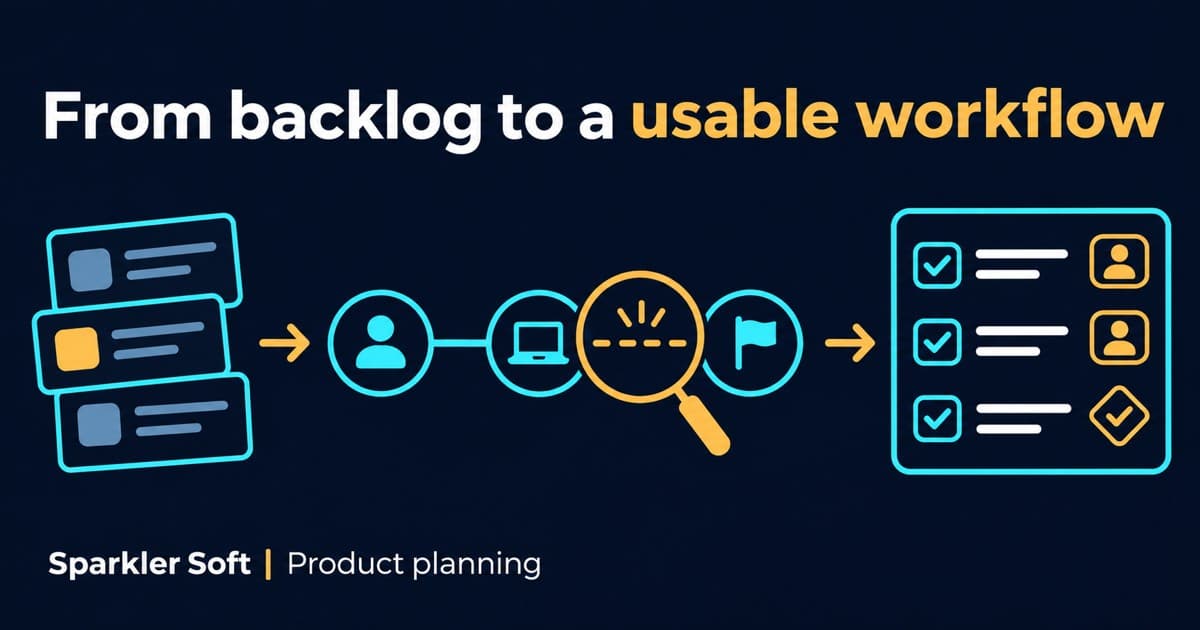
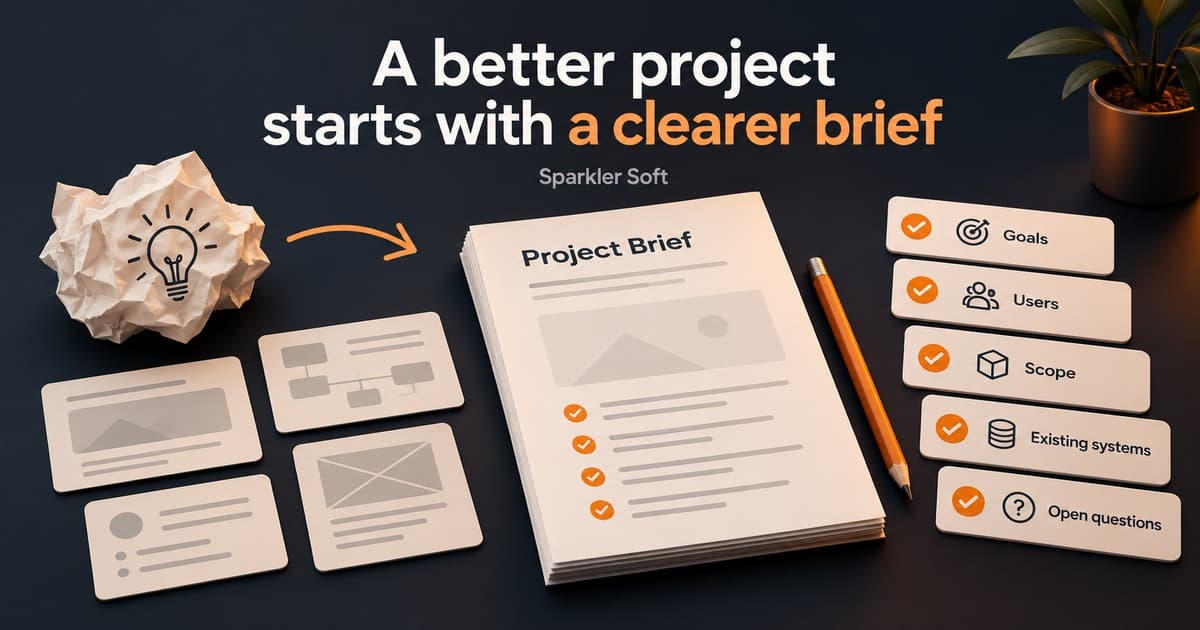
A backlog tells you what is planned. A walkthrough shows you what it takes to get something done.
This is a general planning guide, not a client case study. Adapt the questions to your product and the responsibilities agreed with your development partner.
Choose a journey, not a screen
A useful walkthrough starts with an outcome: submit a request, complete a booking or review a result. Agree who the user is, what they already have and how they know the task is finished. A tour of individual screens can miss the work connecting them.
Follow the work beyond the interface
Ask the demonstrator to include manual steps and external systems. Who prepares the input? Who corrects rejected information? Does someone check another dashboard before confirming success? Record those steps even if the first development phase will not change them.
Inspect an unsuccessful path
Where practical, use a test environment to demonstrate an invalid input, unavailable service or interrupted session. Do not interrupt production to create an example. If a failure cannot be demonstrated safely, record it as an open question rather than assuming the recovery behaviour.
Example: a request that receives no response
Consider a fictional service platform: a customer submits a request, which is then sent to an external system. The successful path looks straightforward. But the walkthrough pauses when the external system does not respond.
Ask what the customer sees, whether the request is saved and whether another attempt would create a duplicate. Then follow the internal work: who can see the failed handoff, who decides to retry it and what evidence shows that the request eventually reached its destination?
- Observation: the customer sees a loading state but cannot tell whether the request was accepted.
- Open question: does the external system support checking the status of an earlier request?
- Proposed outcome: the customer can see the saved request and its current status.
- Acceptance criteria to agree: how an uncertain response is shown, when retry is allowed and how duplicate requests are prevented.
- Owner: the product owner confirms the intended behaviour; the technical team investigates the integration constraints.
These are questions and proposed requirements for the fictional example, not a claim about a delivered client system. The answers may require investigation before an implementation estimate is reliable.
Translate observations into decisions
For each issue, capture the observed behaviour, its effect on the user, the desired outcome and the person who can confirm the requirement. Separate defects from proposed improvements and questions requiring investigation. A walkthrough is input to prioritisation, not permission to expand scope.
Use the findings before estimating
Review the highest-impact uncertainties with the development partner. Some may be answered by the product owner; others may need a bounded technical investigation. Update the brief and acceptance criteria before treating an implementation estimate as a commitment.
A practical discussion checklist
- Start with one complete user journey, from the first action to the intended outcome.
- Watch for waiting, retries, manual work and steps outside the product.
- Ask what happens when an integration fails or a user cannot continue.
- Turn observations into questions, acceptance criteria and explicit owners.
Discuss the next step
Planning work on an existing product? Tell Sparkler Soft which workflow needs attention and what you want to change.
Discuss your workflow with Sparkler Soft ↗How to brief a software development partner ↗Software project handover checklist ↗